CITERLAB

Which tools does your project need?

Choose a need and see what to start with and which outputs you can produce.

How do I use it?
01

Literature and references

Find publications about your topic and organize quotations alongside reference records.

What do I start with?
Your research topic, keywords and PDF documents.
What do I get?
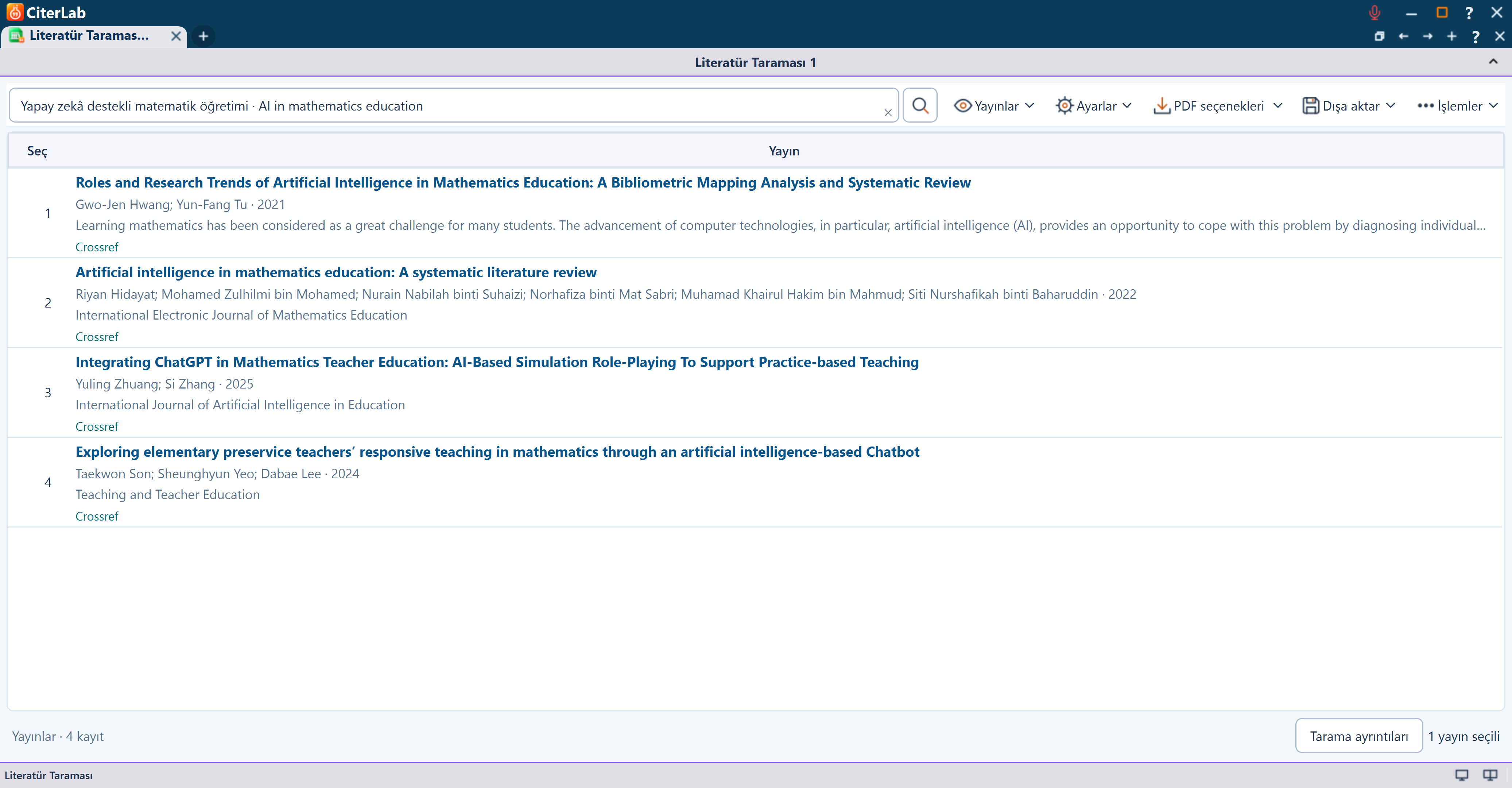
Publication lists, sourced notes, DOI candidates and editable APA reference entries.
02

Quantitative data analysis

Choose a suitable test, review its assumptions and report your findings.

What do I start with?
An Excel sheet or another supported data table, with variables and group information.
What do I get?
Tables, graphs and Word reports from t tests, ANOVA, regression, EFA/CFA and other analyses.
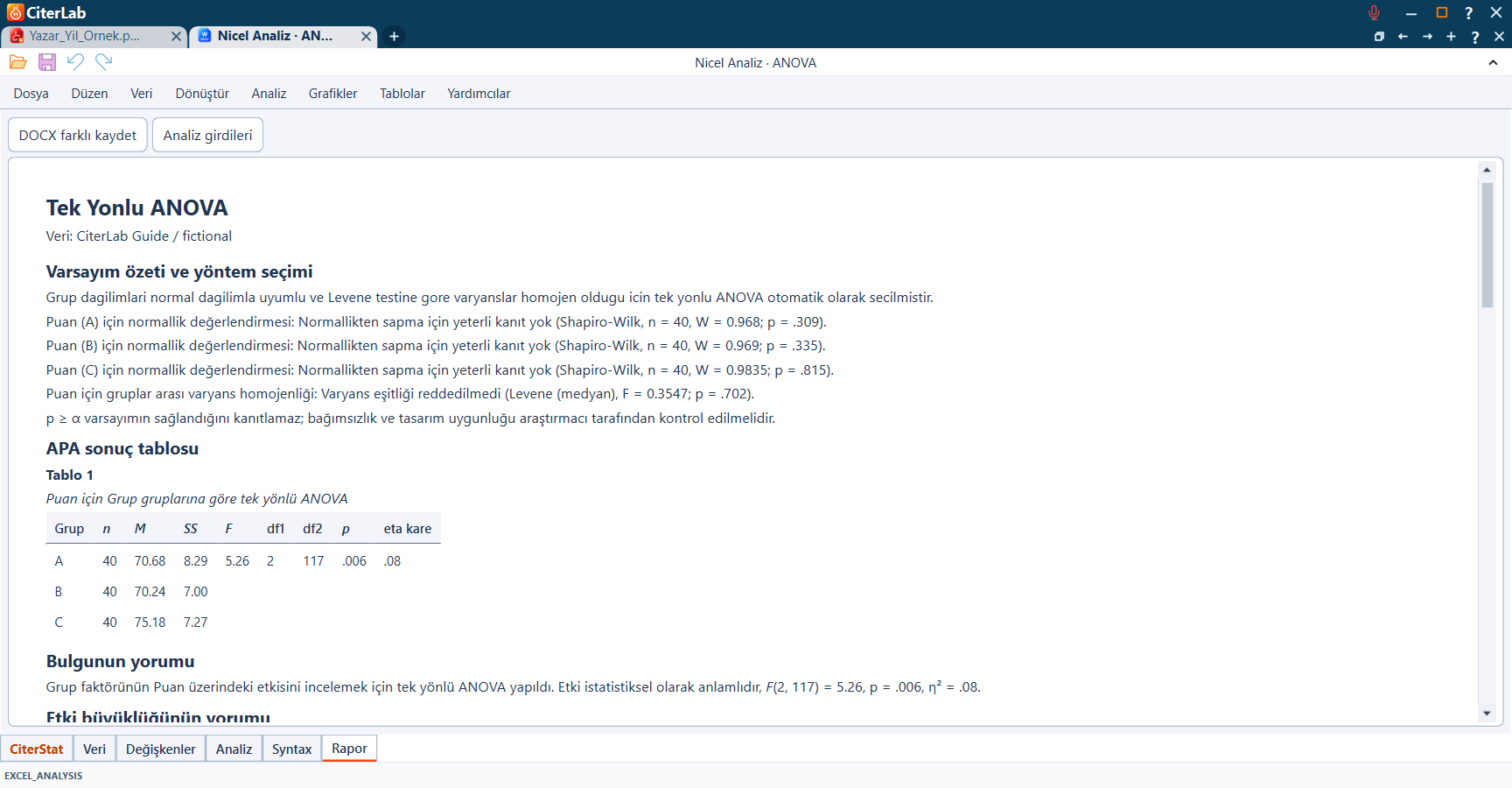
Download a sample Word reportAn editable ANOVA example calculated from fictional data.
03

Interviews and qualitative analysis

Transcribe interviews, code passages and explore themes.

What do I start with?
Interview text or audio supported by your installed local transcription component.
What do I get?
Editable transcripts, codes, themes and reviews linked to their source passages.
04

Prepare data for meta-analysis

Collect statistical findings from documents and review suitable records before transferring them.

What do I start with?
The papers or theses you add to a project and your research context.
What do I get?
Findings with source pages, visible missing information and study records you have approved.
05

Writing and document tools

Manage notes, reports and supported document formats in the same application.

What do I start with?
PDF, Word, Excel and other files supported by the relevant editor.
What do I get?
Edited documents, reports, merged or split PDFs and copies with an added signature.
06

Local AI and offline research

Use downloaded content and local tools without an internet connection.

What do I start with?
Previously downloaded models, libraries, dictionaries or map packages, and your own documents.
What do I get?
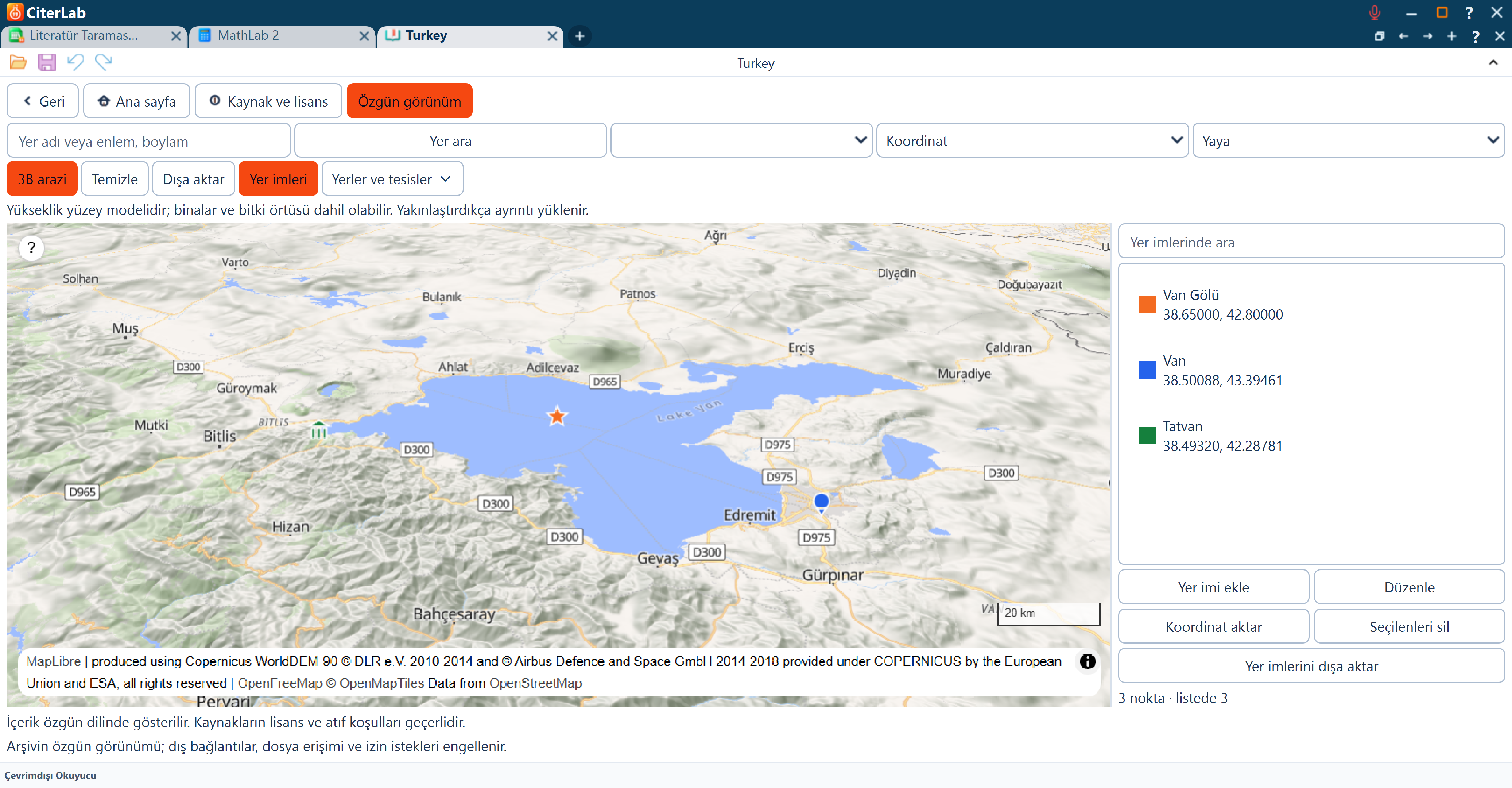
Local summaries and document answers, library searches and maps with saved locations.

CITERLAB

See outputs you could use in your work.

These are genuine application screens. Explore calculations from sample data and the tools used to produce them.

Calculation example

Consider multiple outcome variables together.

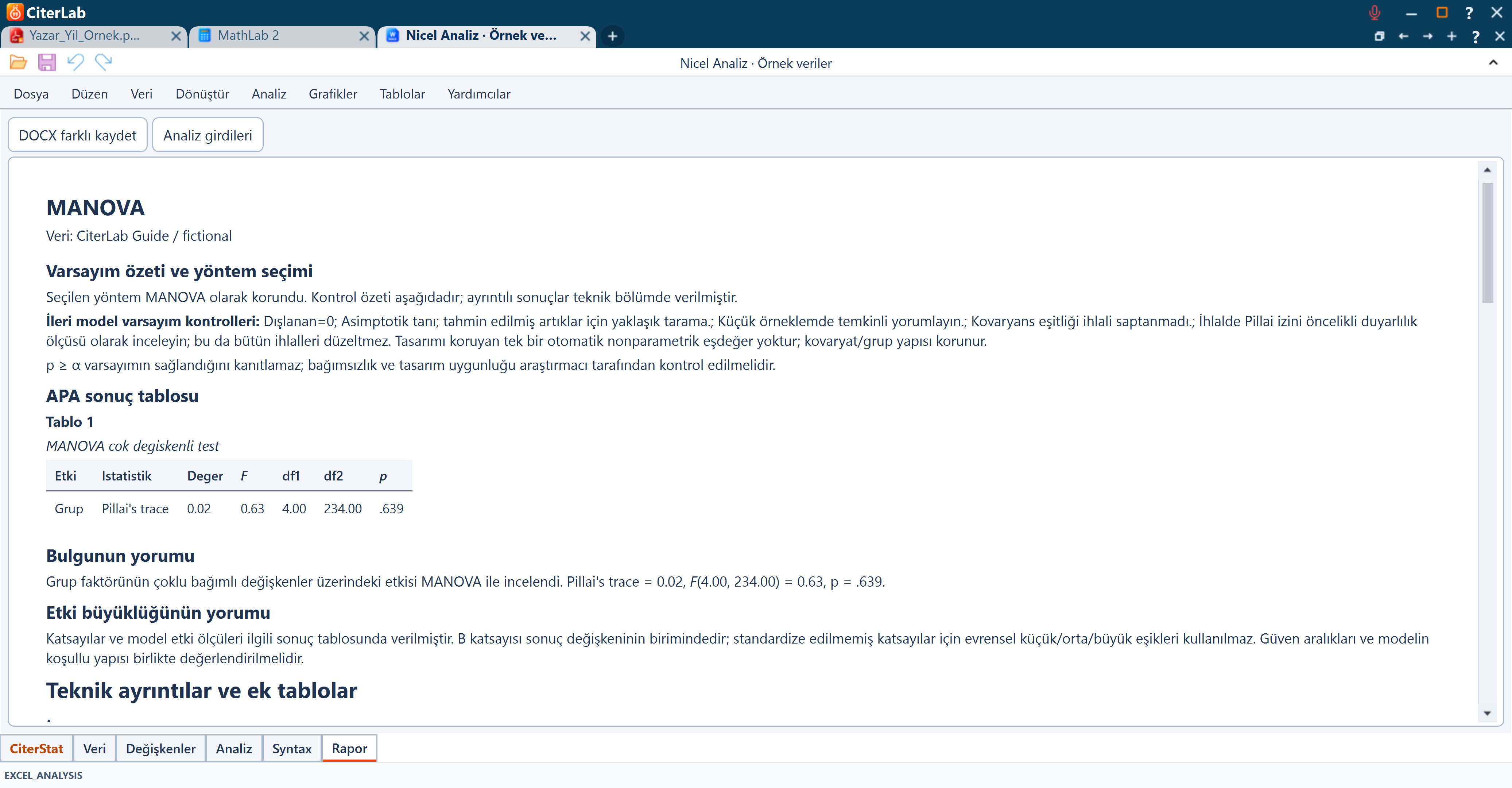
Read computed MANOVA findings in the report workspace. Consider assumptions, research design and follow-up comparisons before using them in your work.

Computed MANOVA findings from fictional data in the CiterLab quantitative-analysis reportOpen at full resolution
Calculation examples use fictional data. Application screens are in Turkish; bibliographic records retain their publication language.
Show all tools and real screens

All tools

01

DOI, APA and reference checks together

Compare in-text citations with references, look up DOI candidates and format entries in APA style. Review missing matches and formatting suggestions in a compact report alongside the original publication.

Citation matchingDOI lookupAPA references
02

An archive of your own, connected to its sources

Bring selected quotations and source details from supported documents into your personal archive. Search locally, copy or send material to your document, and back up your archive for another computer.

Local searchPortable backupsSend to document
03

Discover literature with a clear path to access

Search your downloaded CiterLab library offline. When connected, extend your research through online sources, archive available abstracts and reach openly accessible PDFs.

Offline libraryOnline sourcesOpen access
04

A workflow from analysis to thesis

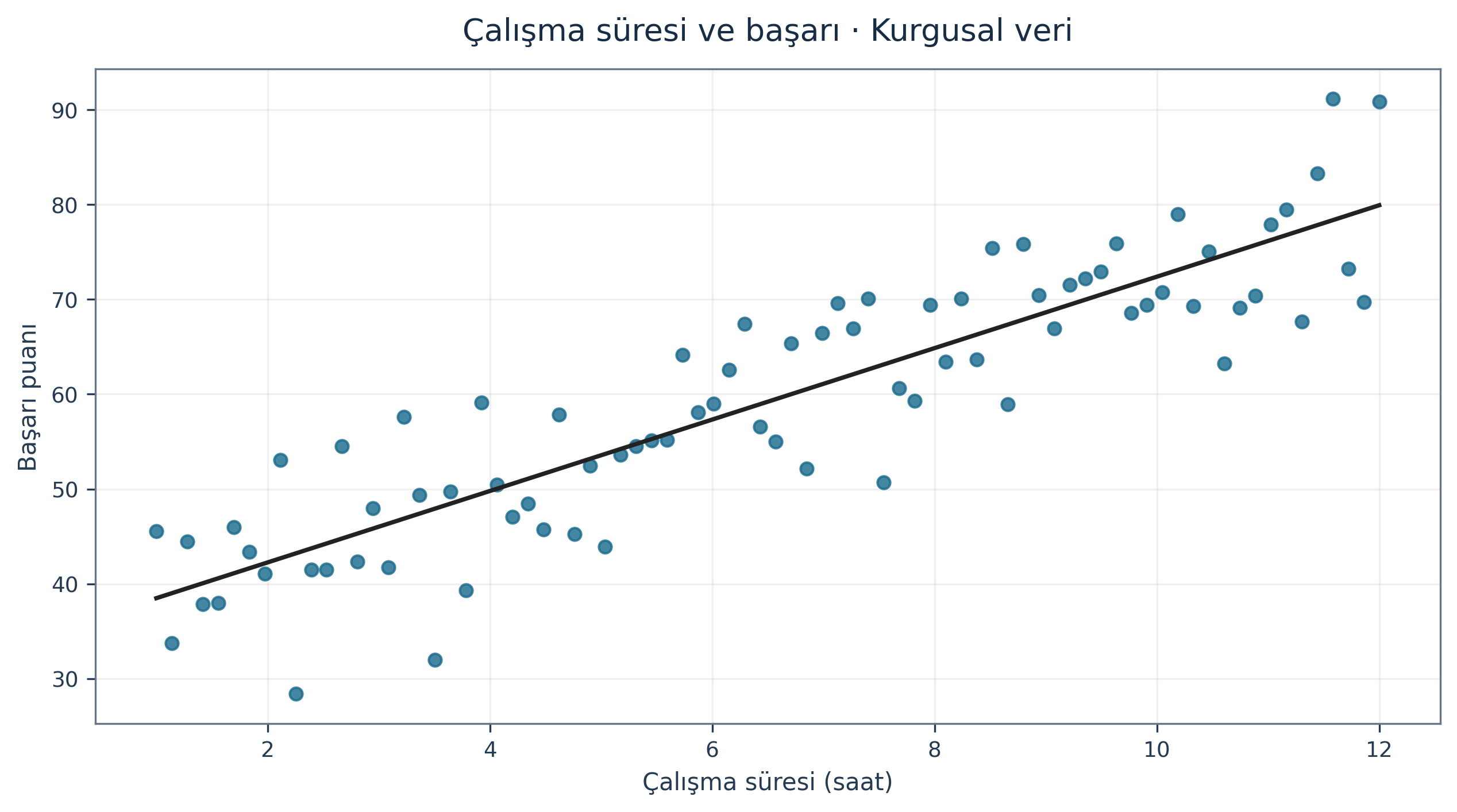
Assign variables for t tests, ANOVA, correlation, regression, EFA/CFA and item analysis. Review assumptions and post-hoc options, then bring APA tables and findings text into your work with an editable Word report.

Quantitative analysisAssumption guidesWord reports
05

From audio to text, from codes to themes

Transcribe interviews locally, code passages and explore themes and matrices. Use bibliometric tools to investigate publication relationships within the context of your selected dataset.

Qualitative analysisLocal transcriptionBibliometrics
06

Return to knowledge with a source

Explore approximately 10,000 concepts, the methods library and quick reference guides. Work offline with downloaded content, and review its sources, language, license and translation review status together.

Concept atlasMethods librarySource and language details
07

Ask about your document and the open screen

Summarize documents and ask text-based questions with the installed Gemma model. Use quick summaries and screen-specific guidance. Choose Gemini with your own API key and transfer consent when you want cloud assistance.

Local AIScreen-specific helpOptional Gemini
08

Keep document tasks within your research workflow

Split and merge PDFs, use signature tools, work with supported Office documents and convert between available formats. Check the signature type and the verification status of the resulting document separately.

PDF toolsOffice documentsFormat conversion
09

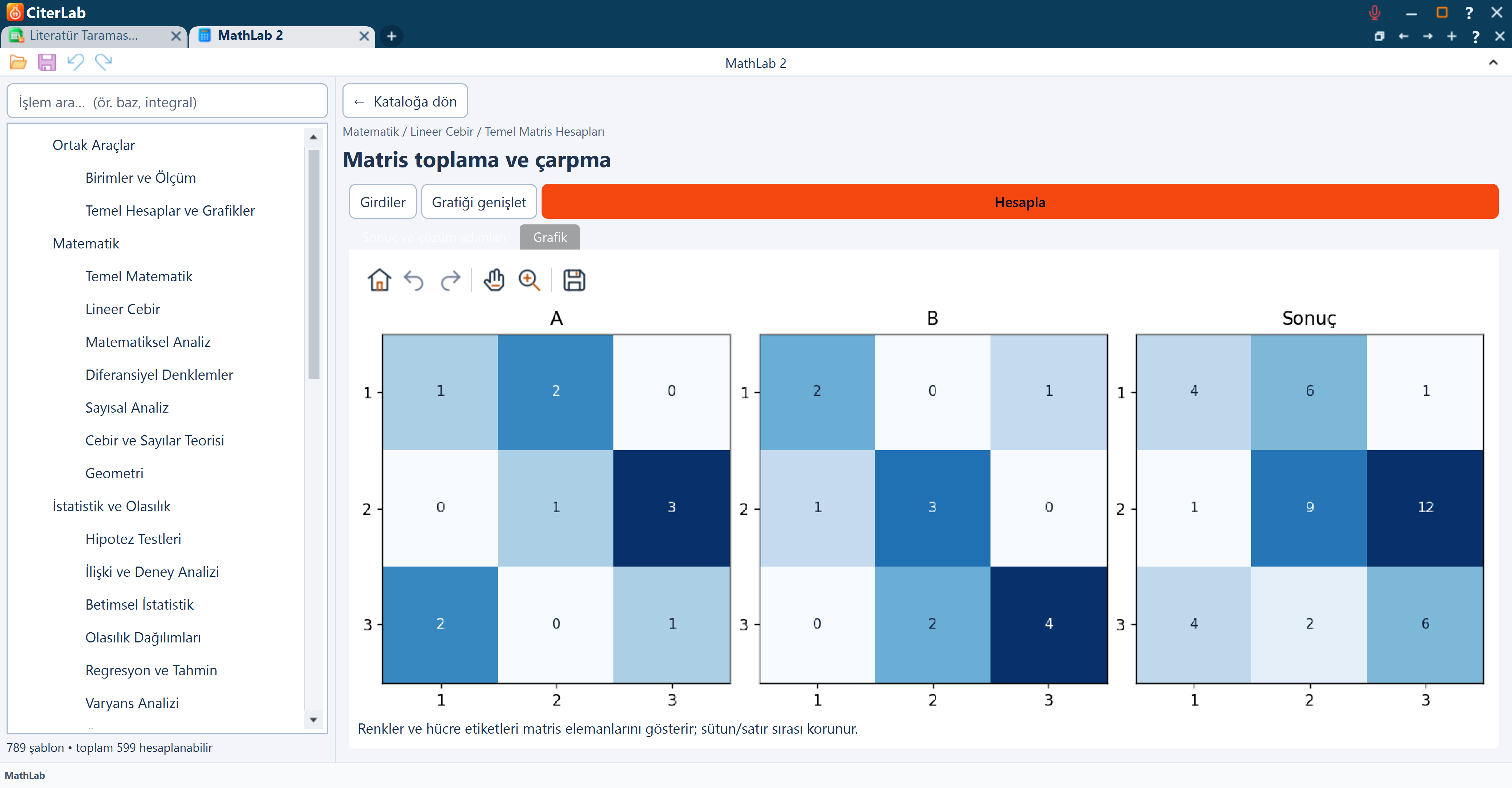
Make mathematical relationships visible

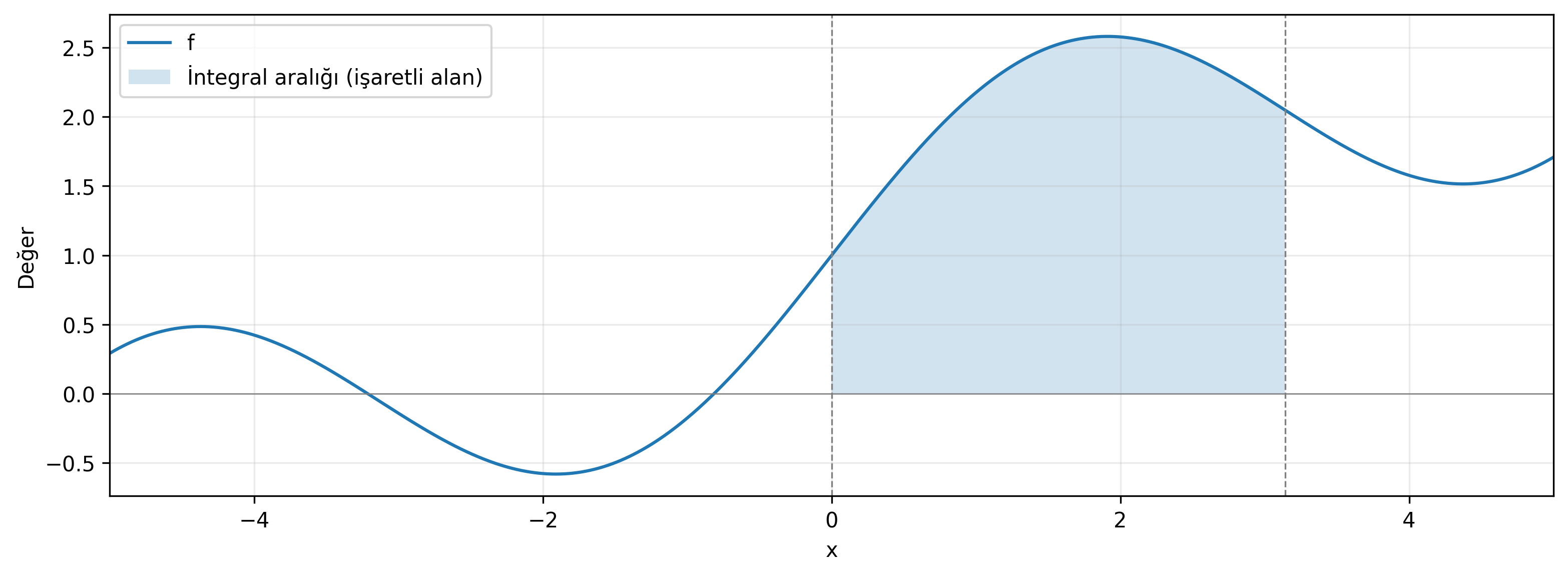
Explore functions and mathematical relationships dynamically with the graphing calculator. Change values, observe the graph and continue your calculations alongside the other tools in your workspace.

Graphing calculatorFunctionsDynamic exploration
CITERLAB / A LOOK INSIDE

A workspace for every tool.

Explore the tabs. Choose a task in genuine application screens, see its output and find the tools that suit your research.

Analysis and mathematics

Turn data into findings

02 / 33

Choose variables, run an appropriate analysis and inspect the calculated results in your report.

Calculated ANOVA results in the CiterLab Quantitative Analysis workspace
Current application interface · Turkish screens · Example workspaces
  • 01Compare groups with ANOVA
  • 02Define variable roles clearly
  • 03Bring findings into your report
33 workspaces and toolsImage sources and usage notes ↗

See the source. Make your decision. Review matches, analysis assumptions and AI outputs before using them. CiterLab supports your research; scientific judgment remains yours.

Statistical validation

Find your own research workflow first.

Explore the tools and sample outputs that matter to you, then decide whether the license fits your needs.

Explore price and licensingI have a question